

You’ve been putting in the work—scripting, filming, editing—and you’ve finally hit publish. Your views are rising, people are engaging, and you’re building a community. But let’s be real:
When does all this effort start to pay off financially?
Here’s a little secret:
Many YouTubers earn more from sponsorships than from YouTube ads.
And the best part?
You don’t need a million subscribers to get sponsored.
In today’s creator economy, brands care more about trust, engagement, and niche influence than follower count. If you’ve built a loyal audience—even a small one—you already have something brands want.
This guide will walk you step-by-step through how to get sponsored on YouTube even if you’re just starting out.
First, Make Your Channel Look
Before reaching out to brands, your YouTube channel needs to show that you’re a serious and reliable content creator.
When a brand manager visits your page, it should immediately say, “This creator is professional.”
Quick Channel Branding Checklist:
- Do you have a clear niche? (e.g., “budget beauty,” “minimalist living,” or “retro gaming”)
- Is your banner clean and branded? Your channel art should match your theme.
- Are your thumbnails consistent and high-quality? A cohesive look builds credibility.
Are your thumbnails and titles clickable?To improve your thumbnails, a great tactic is to see what’s already working. You can easily gather inspiration by saving high-quality examples with a YouTube thumbnail downloader.” - Is your business email easy to find? Always include a professional contact in your “About” tab.
SEO Tip: Use niche-specific keywords in your “About” section to improve search visibility.
Next, Create Your “Creator Resume” (aka Media Kit)
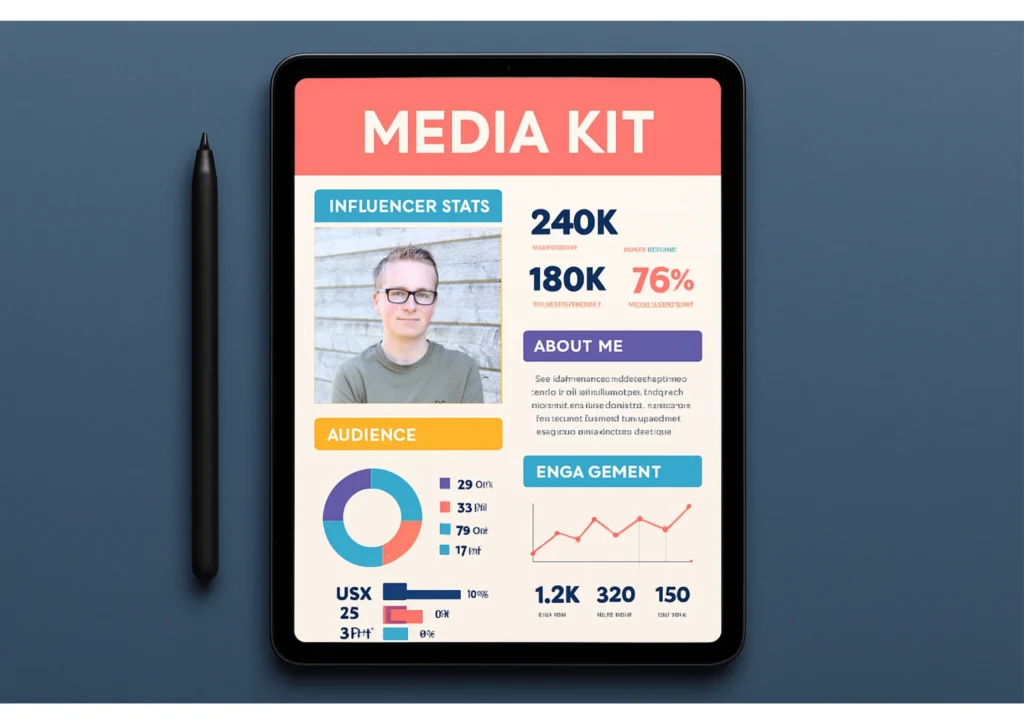
A media kit is a 1–2 page PDF that highlights why brands should work with you. It’s your digital pitch deck—and it sets you apart from amateurs.
What to Include in Your Media Kit:
- A short bio and intro to your channel
- Your channel stats (subscribers, average views, watch time)
- Audience demographics (age, gender, location—found in YouTube Analytics)
- Types of collaborations you offer (e.g., video integrations, shoutouts, unboxings)
- Links to your socials and contact email
Pro Tip: Use Canva’s media kit templates—they’re free and easy to customize.
Bonus Tip:
Include screenshots of analytics or testimonials from past sponsors if available. This adds real-world credibility.
Find the Right Brands for Your Niche
Now it’s time to find brands that make sense for your audience. Don’t waste time emailing massive corporations that only work with influencers with 500K+ subs.
Instead, focus on brands that are already working with micro or niche creators.
Where to Look:
- Similar YouTube channels: Who’s sponsoring creators in your niche?
- Products you already use: Authenticity helps your pitch.
- Emerging brands or startups: They’re often open to working with smaller creators.
- Influencer marketing platforms:
- YouTube BrandConnect
- Intellifluence
- Heepsy
These tools make it easier to find and apply for open sponsorship campaigns.
Write a Sponsorship Email That Gets Replies
Your pitch email should be short, friendly, and focused on value. Remember, brand reps are busy—get to the point.
Sponsorship Email Template:
Subject Line: [Your Channel Name] × [Brand Name] – Collaboration Idea
Email Body:
Hi [Brand Manager’s Name],
I’m [Your Name], and I create content on YouTube at [Channel Name] for an audience of [your niche—e.g., “tech-savvy college students”].
I’ve been using [Brand/Product Name] and genuinely love what you offer. I’m currently working on a video about [topic] and believe your product would be a perfect fit.
I’ve attached my media kit with all my stats and audience info. I’d love to explore a collaboration that benefits us both.
Thanks,
[Your Name]
[YouTube Channel Link]
[Contact Info]
How Much Should You Charge?
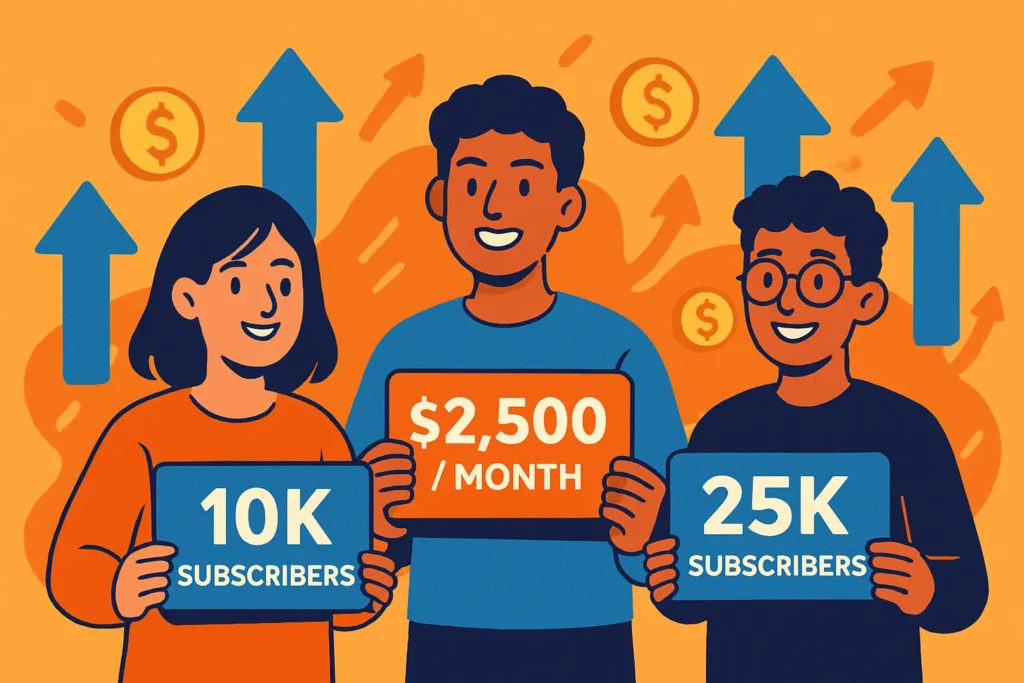
Even small creators can earn real money from sponsorships.
Here’s a rough pricing guide based on subscriber count and engagement:
| Subscriber Range | Estimated Rate (Per Video) |
|---|---|
| 1K – 10K | $50 – $200 |
| 10K – 50K | $200 – $800 |
| 50K – 100K | $800 – $3,000+ |
🎯 Important: Your engagement rate (comments, likes, views per sub) often matters more than your sub count.
You can also bundle services to increase your rate:
- YouTube integration + Instagram Story
- YouTube mention + blog post + pinned comment
Common Mistakes to Avoid
Avoid these rookie errors when reaching out to sponsors:
- Copy-pasting the same email to every brand
- Working with companies you don’t believe in
- Failing to disclose sponsorships (Use #ad or mention “This video is sponsored by…”)
- Undercharging for your influence
⚠️ Remember: Authenticity builds long-term trust with your viewers and sponsors.
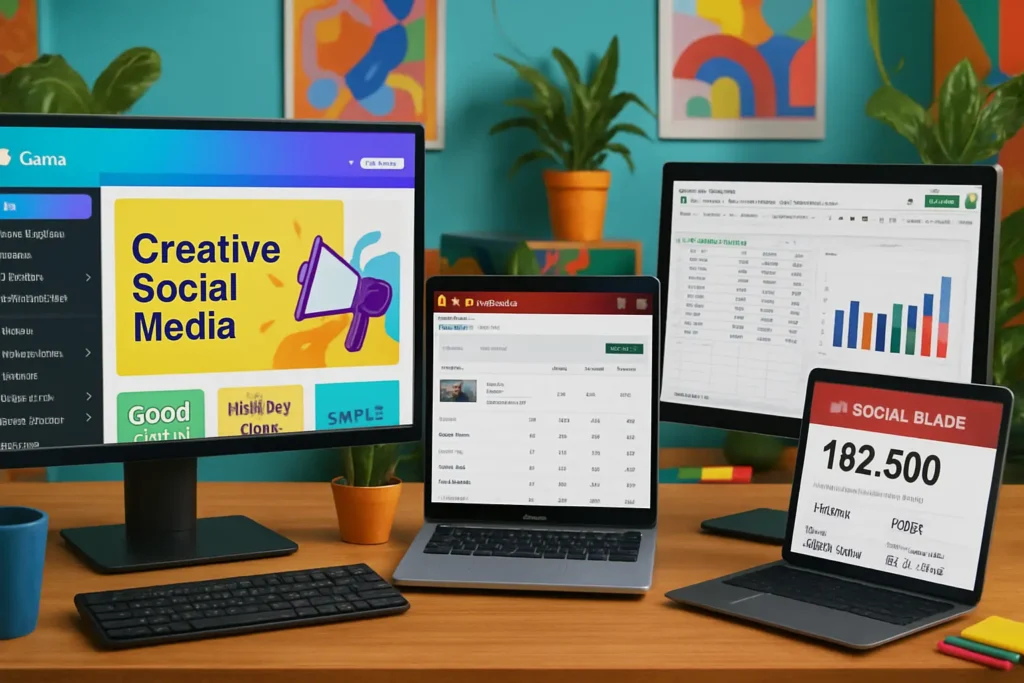
How to Get Sponsored on YouTube with these Helpful Tools
Maximize your chances with these free or low-cost tools:
- Canva – For designing your media kit
- TubeBuddy / VidIQ – To track channel performance
- Social Blade – For benchmarking your growth
- Notion or Google Sheets – To track sponsorship outreach
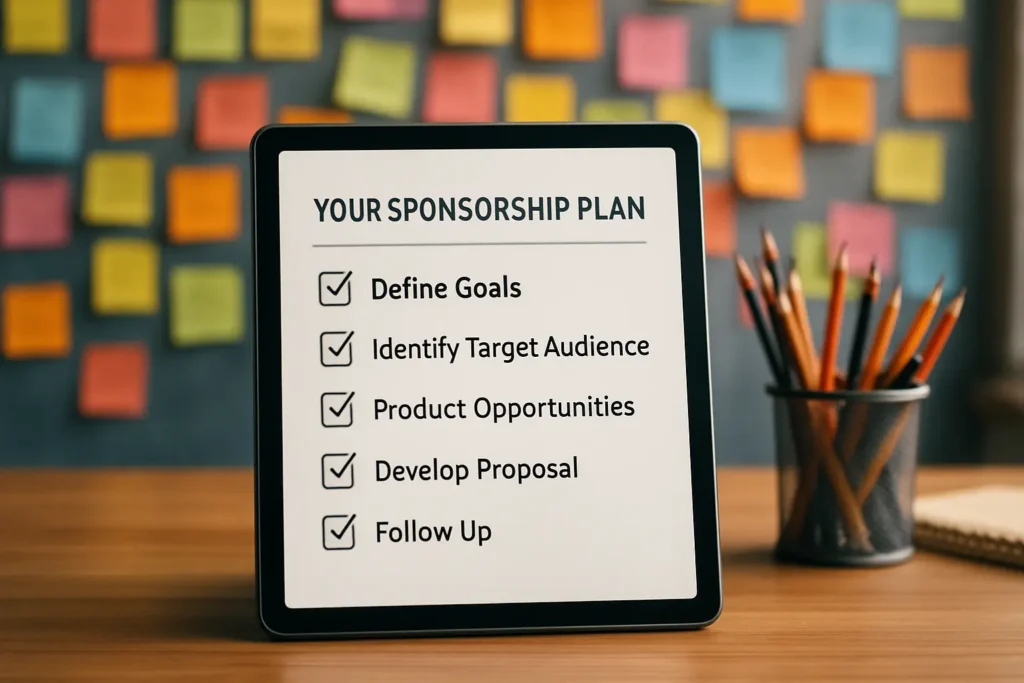
Your Step-by-Step Action Plan
Want to get your first sponsorship this month? Here’s your roadmap:
Week 1:
- Clean up your channel branding and description
- Create your media kit on Canva
- Research 10 brands you already use or admire
Week 2:
- Write personalized emails to those 10 brands
- Follow up after 5–7 days if no response
Week 3:
- Sign up for influencer platforms like BrandConnect or Intellifluence
- Test your first sponsored integration with a smaller brand or affiliate offer
Final Thoughts: You’re Closer Than You Think
You don’t need 100,000 subscribers.
You don’t need to wait.
If you’ve built a community—even a small one—your voice has value.
What brands want in 2025 is authentic influence and niche trust.
Your next step?
Send that first pitch.
You’ve done the hard part—building content. Now it’s time to turn it into income.
Bonus Tip:
Turn rejected pitches into relationship-builders. If a brand says no, ask for future consideration or feedback. Often, it just means “not right now.”
