

For many aspiring creators, turning a passion for video creation into a steady income stream is the ultimate goal. Reaching the point where you can apply for YouTube monetization is a major milestone — but with frequent updates to policies and requirements, the process can feel confusing. If you’re ready to earn money from your videos, this complete guide will walk you through every step of the YouTube monetization process in 2025.
We’ll break down the eligibility requirements, application process, and what to expect once you’re approved — so you have a clear roadmap to join the YouTube Partner Program (YPP) and start earning revenue.
1. Understanding the YouTube Partner Program (YPP)
Before you can make money on YouTube, your channel must be accepted into the YouTube Partner Program. This program is the official gateway to monetizing YouTube videos, unlocking multiple revenue streams and exclusive tools for creators.
However, entry requires more than just uploading content — YouTube enforces strict rules to protect its community, advertisers, and the platform.
Key YouTube Monetization Policies You Must Follow:
- Community Guidelines: These govern all videos on the platform. Violations can block your channel from monetization.
- Advertiser-Friendly Content Guidelines: To show ads, your content must be suitable for advertisers. Avoid profanity, graphic violence, or controversial topics.
- AdSense Program Policies: These outline how you’re paid. Activities like clicking on your own ads are strictly forbidden.
- Copyright Rules: Only upload content you own or have licensed. Using music, clips, or footage without rights can lead to demonetization or takedowns.
2. YouTube Monetization Requirements for 2025
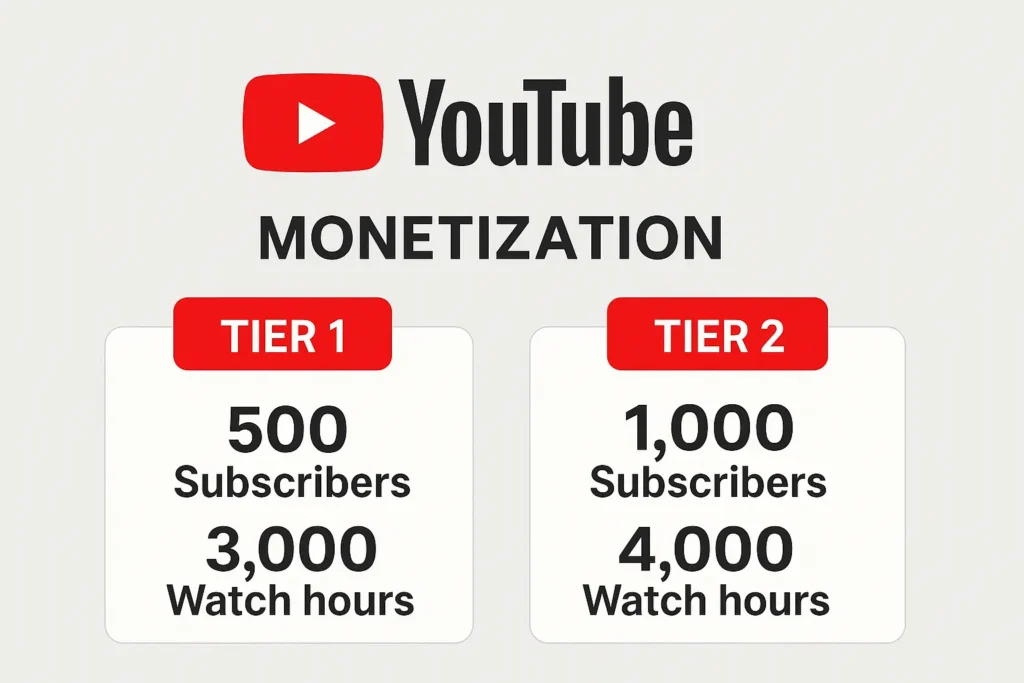
YouTube has introduced two monetization tiers to help creators begin earning earlier in their journey.
Tier 1: Early Access to Fan Funding
This tier unlocks “fan-funding” features so loyal viewers can support your channel directly.
Minimum Requirements:
- 500 subscribers
- At least 3 public uploads in the last 90 days
And ONE of the following: - 3,000 public watch hours (past 12 months), or
- 3 million public Shorts views (past 90 days)
Monetization Features You Unlock:
- Channel Memberships
- Super Chat and Super Stickers
- Super Thanks
These features allow fans to donate or unlock perks on your channel.
Tier 2: Full Ad Revenue Sharing
This traditional level allows you to earn money through YouTube ads.
Minimum Requirements:
- 1,000 subscribers
And ONE of the following: - 4,000 public watch hours (past 12 months), or
- 10 million public Shorts views (past 90 days)
What You Gain:
- All Tier 1 benefits
- Ad revenue from long-form content
- Revenue from YouTube Shorts ads
- A share of YouTube Premium views on your content
Additional Monetization Requirements (Both Tiers):
- Your channel must be in a country where the YouTube Partner Program is available
- No active Community Guidelines strikes
- 2-Step Verification must be enabled on your Google account
- You must have an AdSense account linked to your YouTube channel
3. How to Apply for YouTube Monetization: Step-by-Step
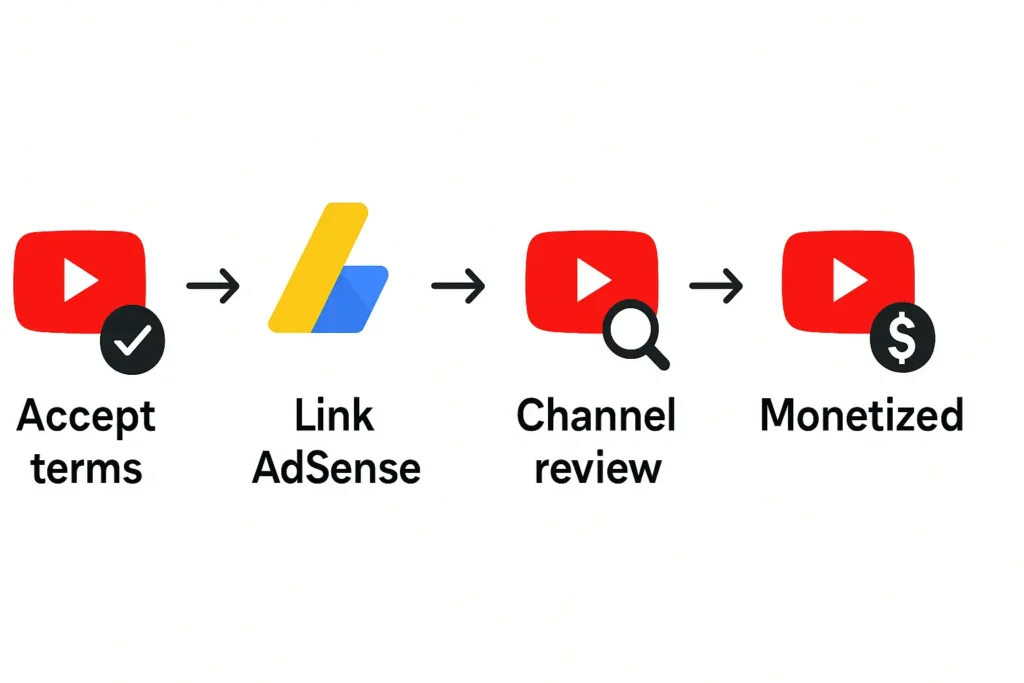
Once your channel hits the required metrics, applying is straightforward. Here’s how:
Step 1: Go to the “Earn” Tab
In YouTube Studio, click the “Earn” tab. This is your monetization dashboard where you can track your progress toward the required thresholds. You can also opt-in to be notified when you’re eligible.
Step 2: Start Your Application
When eligible, the “Apply Now” button will appear.
The YouTube Monetization Application Process includes:
- Accept the Base Terms: Review and agree to the YouTube Partner Program terms.
- Connect or Create a Google AdSense Account: YouTube pays you via AdSense, so you need a valid and active account.
- Submit for Review: YouTube will automatically send your channel for manual review.
The Review Process:
- Human reviewers will evaluate your content, looking at your channel’s overall theme, top-performing videos, and metadata (titles, descriptions, thumbnails). Tip: You can use our YouTube Thumbnail Downloader to quickly view and save thumbnails from any video.
- They check compliance with all monetization policies.
- Reviews can take anywhere from a few days to over a month.
4. How to Make Money on YouTube After Approval
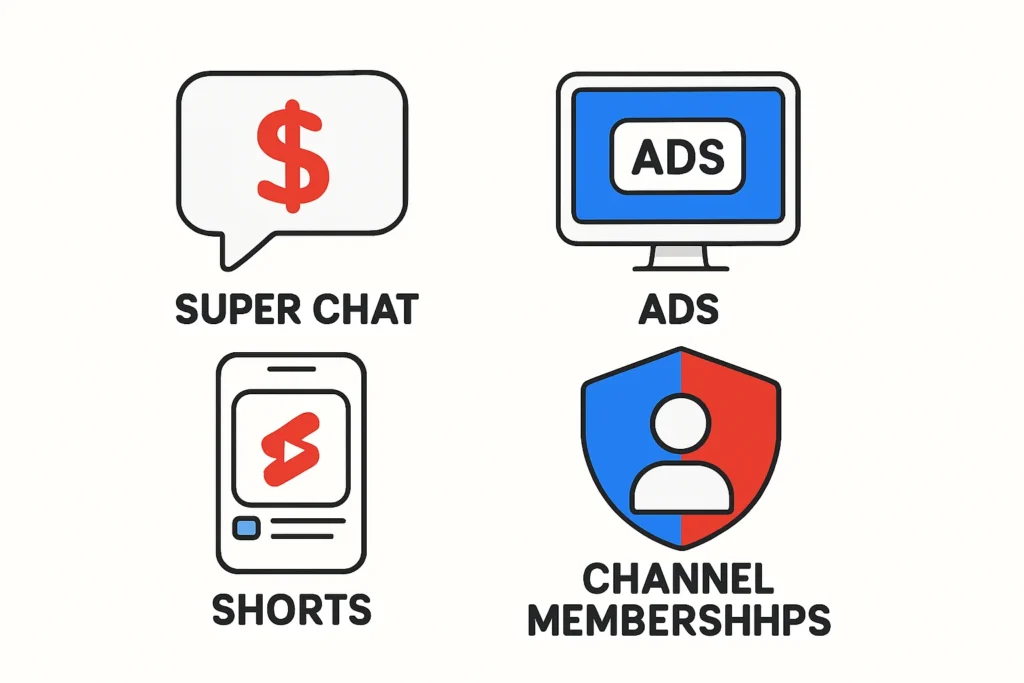
Once you’re accepted into the YouTube Partner Program, several monetization methods become available:
YouTube Monetization Options in 2025:
- Ad Revenue: Earn from ads shown before, during, or after your videos (Watch Page ads), and from ads in the Shorts feed.
- YouTube Premium Revenue: Receive a share of subscription revenue when Premium users watch your videos.
- Fan Funding: Tools like Channel Memberships, Super Chat, and Super Thanks enable direct viewer support.
- YouTube Shopping: Connect your store or tag affiliate products in your videos for additional revenue.
Special Focus: YouTube Shorts Monetization in 2025
Monetizing YouTube Shorts differs from regular videos. Revenue is generated from ads shown between Shorts, not on individual videos.
Each month, YouTube pools all Shorts ad revenue, pays for music licensing, and then divides the rest into a Creator Fund. You earn 45% of your allocated revenue based on your percentage of total views in the pool.
5. Tips for Success After Getting Monetized
Getting approved is just the beginning — now it’s time to optimize your YouTube income and keep your channel eligible.
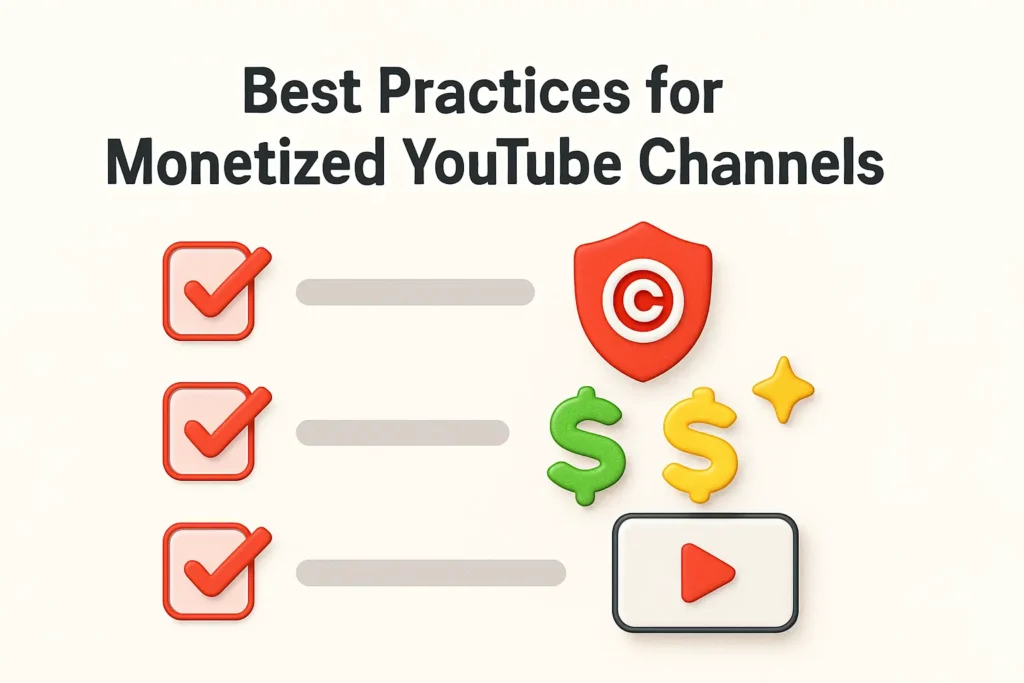
Best Practices for Monetized Channels:
- Turn on monetization for each video in YouTube Studio.
- Use accurate self-certification when uploading (to comply with ad-friendly guidelines).
- Check the dollar icon: Green = fully monetized, Yellow = limited ads.
- Follow copyright rules strictly — avoid unlicensed content.
- Avoid reused or low-effort AI-generated content, which YouTube may demonetize.
Frequently Asked Questions (FAQ)
How long does YouTube monetization take?
Once eligible, reviews usually take up to 30 days, though it can be faster. Reaching eligibility can take months depending on your growth.
What if my YouTube monetization application is rejected?
You’ll receive a general reason for rejection. Make the required changes, and you can reapply in 30 days.
Can I monetize videos with copyrighted content?
Only if you add significant value through commentary, education, or transformation. Otherwise, you risk rejection for “reused content.”
How much money can I make per 1,000 views?
Your RPM (Revenue Per Mille) varies widely — from $0.50 to over $20, depending on audience, niche, location, and seasonality.
Conclusion: Start Your YouTube Monetization Journey Today
Getting monetized on YouTube in 2025 takes time, strategy, and consistent content creation. By understanding the YouTube Partner Program requirements, following the application steps, and maximizing every revenue stream — from ads to Shorts to fan funding — you can build a sustainable income and grow your influence on the platform.
Your journey doesn’t end with approval — it starts there.
